

My screens show "Subscription Not Active"
Why every screen paused after a trial ended or a plan was cancelled, what still works, and how to get them playing again.
Updated 2 min read
On this page
Your organization's free trial has ended, or its plan has been cancelled, so all of its screens have paused. Instead of your content they show Subscription Not Active: "This organization's subscription is not active, so content is paused on this screen." Nothing is deleted or broken. Contact us to set up your plan, and the screens play your content again as soon as we do.
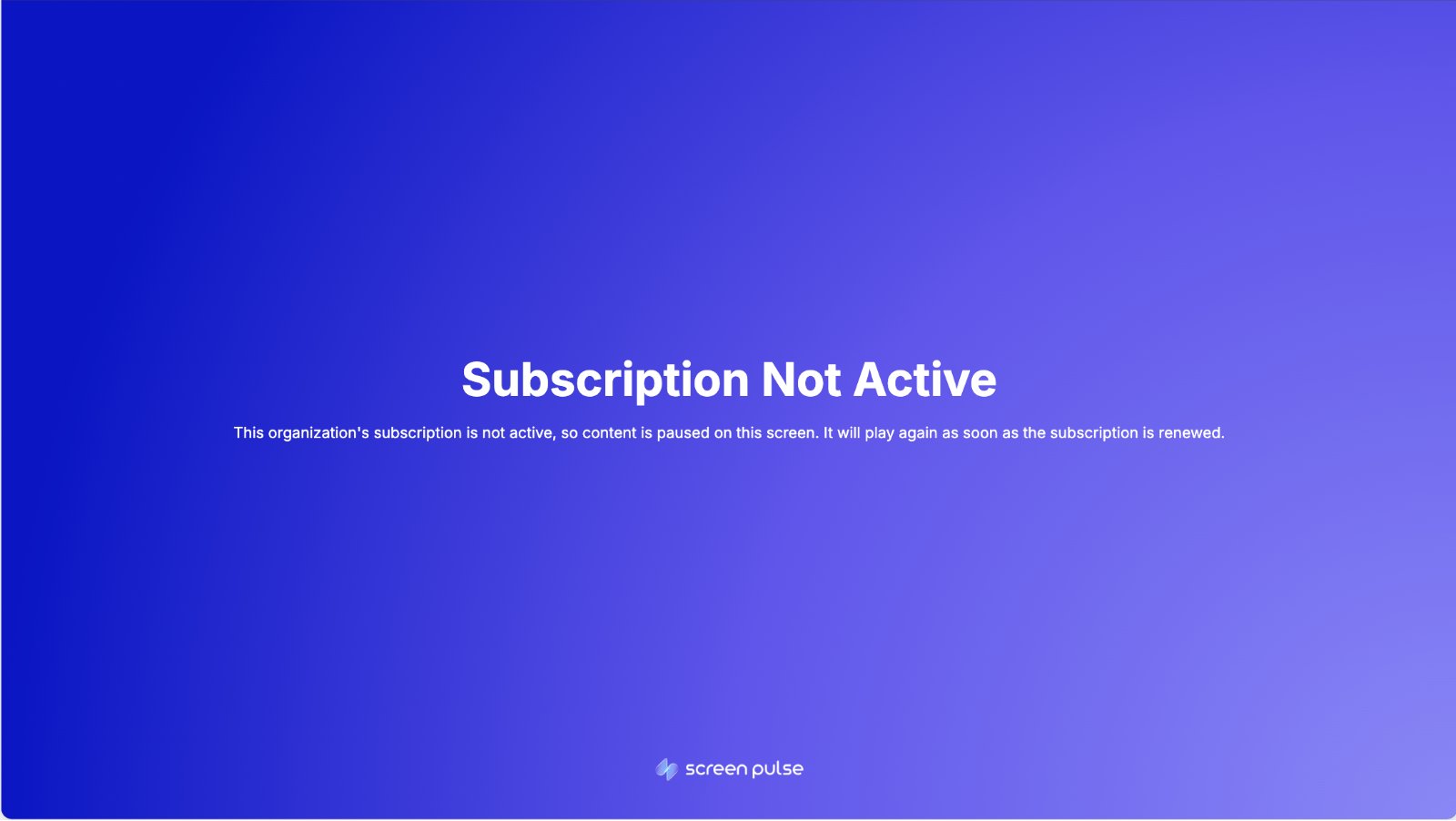
What still works while screens are paused
- You can sign in and use Screen Pulse as usual. Playlists, apps, media, screens and settings stay as they were, and you can keep editing them.
- App and playlist previews still show your content, so you can keep preparing it. A screen's Preview shows the same "Subscription Not Active" notice as the display.
- A red banner at the top of every page says "Your trial has ended." or "Your subscription is not active.", with a Contact us button.
What doesn't
- You can't add or pair screens. Add screen shows "Your account subscription has expired" with a Contact Us button, and an unpaired screen shows "Pairing unavailable" instead of the code field.
Good to know
- All screens pause together. A single screen can't pause on its own; if only one screen shows this, contact us.
- Overdue doesn't pause screens. Only an ended trial or a cancelled plan does.
- The notice moves slightly every 30 seconds. That's on purpose: it stops the text burning into the display while it stays up.
- An offline screen catches up the next time it reconnects, both when it pauses and when it plays again.
Get your screens playing again
Contact us with the Contact us button in the banner, on the Billing page, or through Support → Contact Support. As soon as we turn your plan on, the screens resume on their own; you don't need to touch them. A screen that's offline at that moment resumes when it reconnects.
Related articles
Still need help?
Our support team can walk you through it.