

Your profile, password and signing in
Change your name, email or password, and reset a forgotten password.
Updated 1 min read
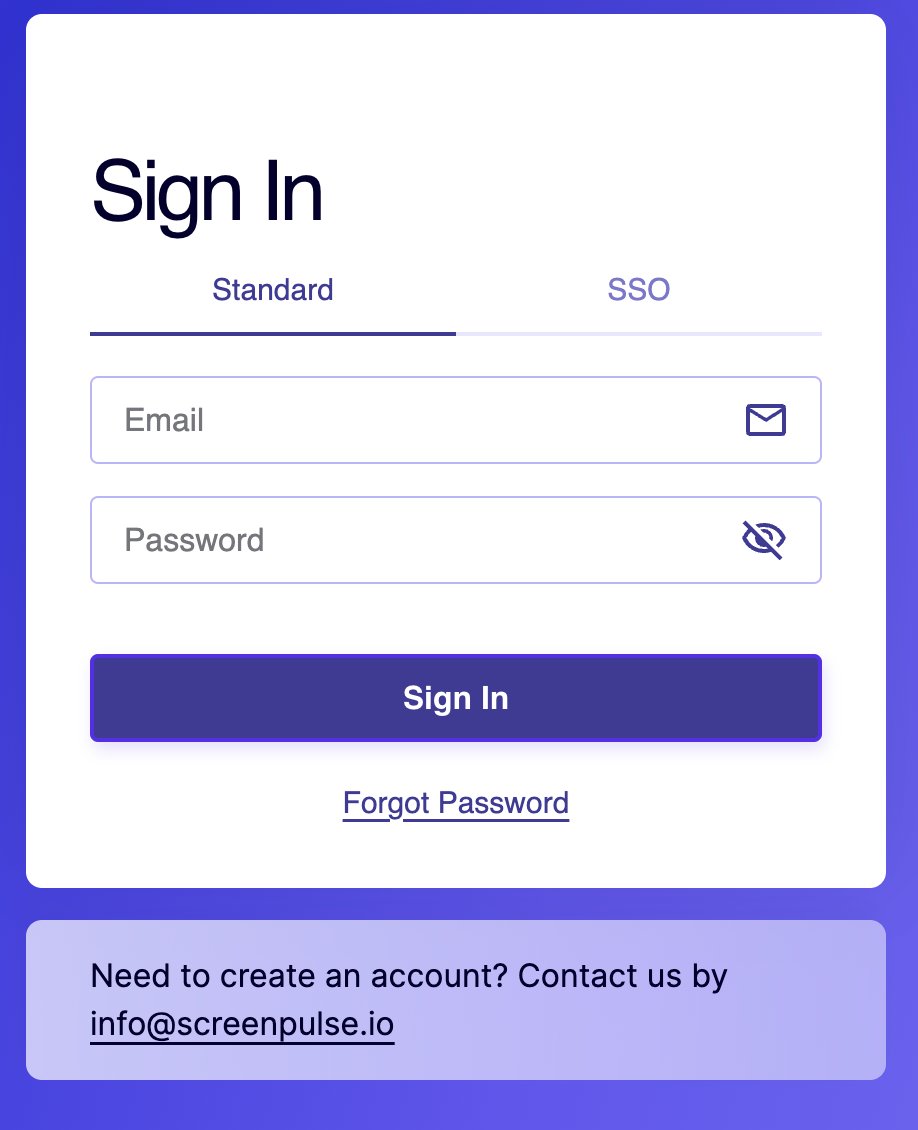
Sign in at app.screenpulse.io with your email address and password. To change your name, email or password, open My Account from your name at the bottom of the left navigation. Forgot your password? Click Forgot Password on the sign-in page and we'll email you a link to set a new one.
Sign in
The Sign In page has two tabs:
- Standard: your email address and password.
- SSO: if your organization signs in with its own company accounts. See Single sign-on.
Change your name, email or password
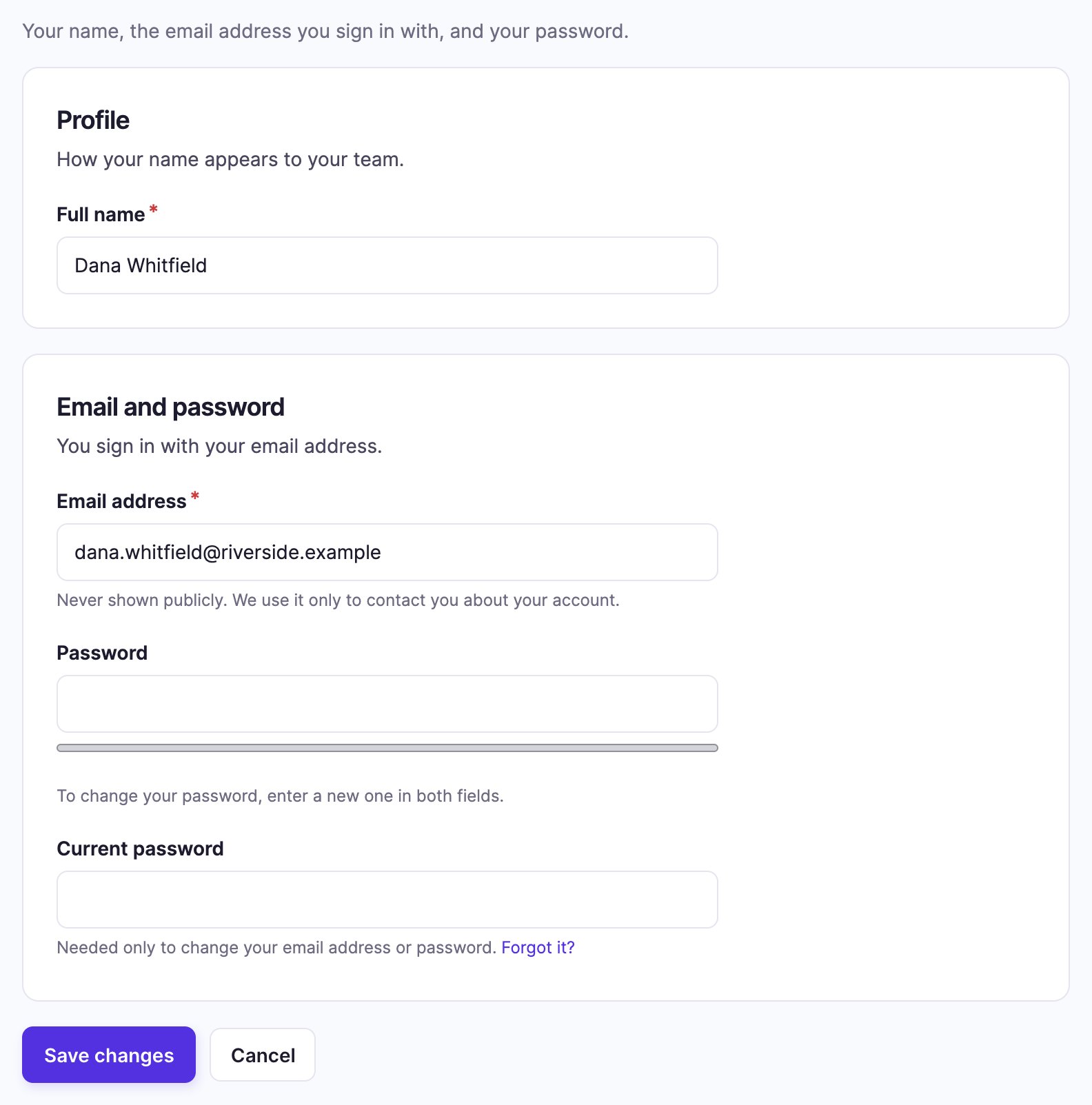
- Click your name at the bottom of the left navigation, then Account Settings. You land on My Account.
- Under Profile, change your Full name.
- Under Email and password, change your Email address, or type a new password in Password. Confirm password appears as you type; enter the same password there. Leave both empty to keep your current one.
- To change your email or password, also enter your Current password at the bottom of the card.
- Click Save changes.
Reset a forgotten password
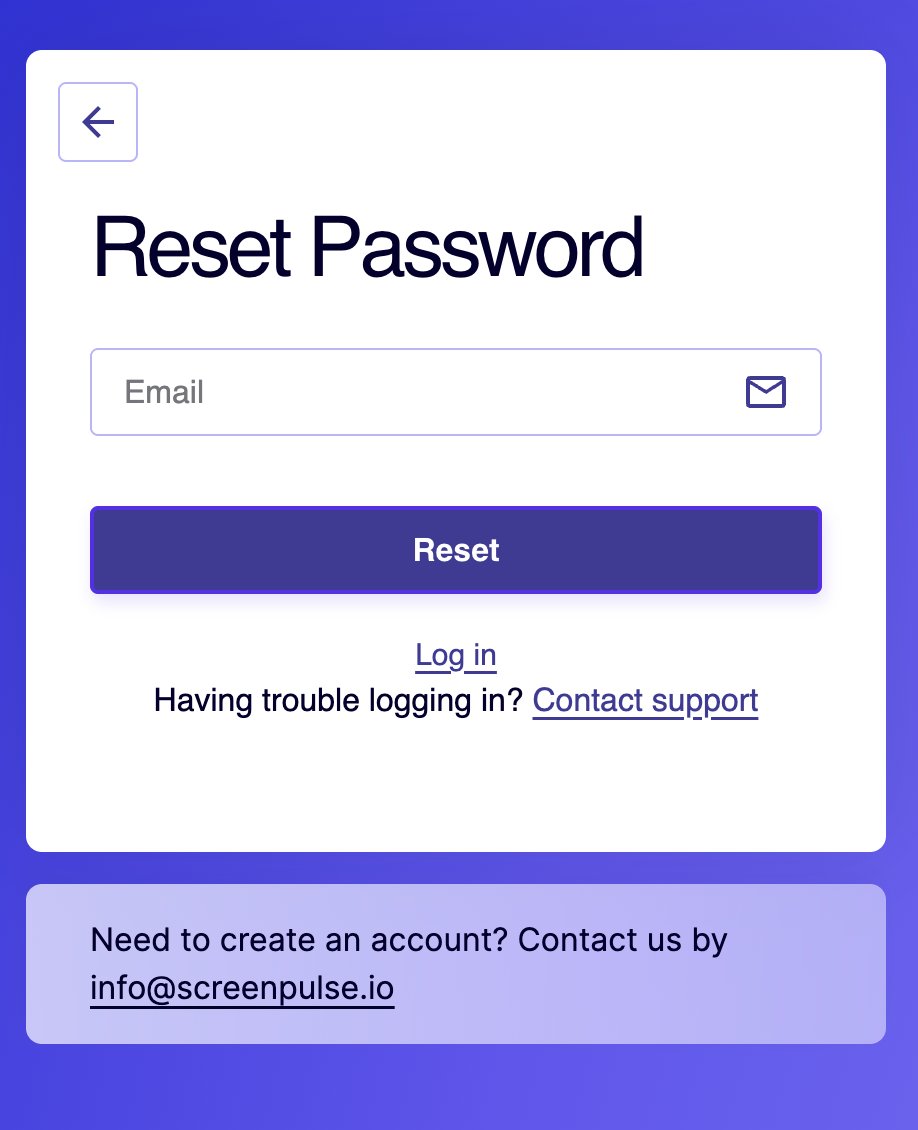
- On the Sign In page, click Forgot Password.
- On Reset Password, enter your email address and click Reset.
- Open the email "Password recovery for your Screen Pulse account" and click its link. The link works once and expires after one day.
- Choose a new password. You're signed in to your account.
No email? Check your spam folder, and that you used the address you sign in with. Still stuck? Email support@screenpulse.io.
Good to know
- Your email isn't shown to anyone outside your organization. It's used for your account and the notifications you choose.
- New to Screen Pulse? Accounts are created by invitation from someone in your organization, or by us for a new organization.
Related articles
Still need help?
Our support team can walk you through it.