

Your onboarding checklist (the Welcome page)
How the Welcome page tracks your first three steps, and why it goes away.
Updated 1 min read
On this page
New organizations start on a Welcome page that walks through the three steps to get content on a screen: Create your first content, Pair a screen and Put it on screen. It ticks off each step as you go and disappears after your first couple of weeks.
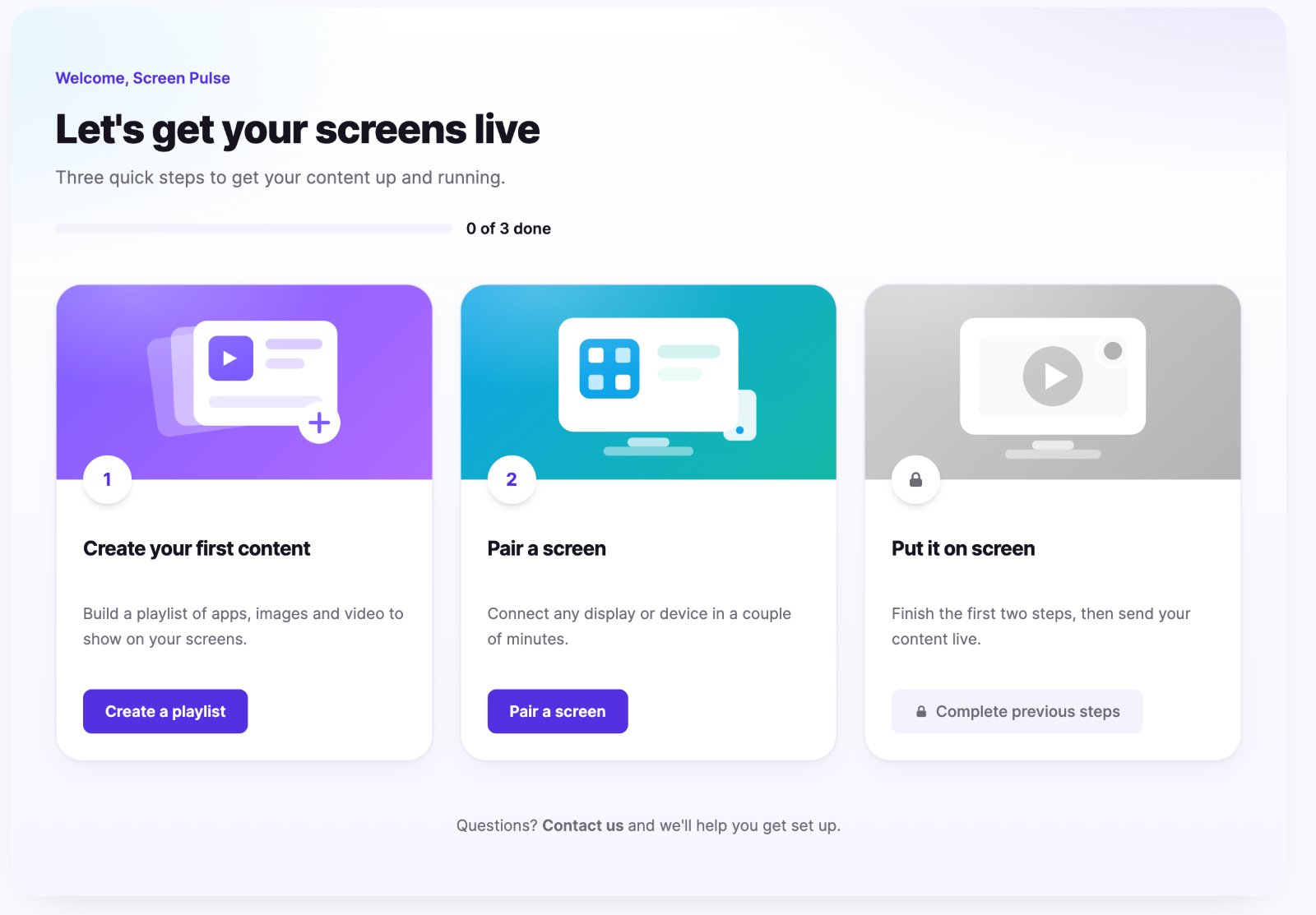
The three steps
- Create your first content. Click Create a playlist, build it and save. You come back to Welcome with the step done. Setting up any app counts too.
- Pair a screen. Click Pair a screen. The pairing form opens right on the Welcome page; enter the code from your device.
- Put it on screen. Unlocks once steps 1 and 2 are done. Click Go live to open Playlists, then assign your playlist to the screen.
When the last step is done, the page shows "You're live!" and takes you to Screens.
Good to know
- Steps 1 and 2 can be done in any order.
- Progress is shared with your colleagues, and saved, so you can stop and come back.
- Done stays done, even if you later delete the playlist or unpair the screen.
- You're not stuck there. Every other item in the left navigation works as usual. While the page is available, you land on it each time you sign in.
Where did it go?
The Welcome page is available for roughly your organization's first two weeks, and about a week after you finish the steps, whichever comes first. Then it disappears and you start on Screens. Nothing is lost; everything it linked to is in the normal navigation. Organizations created before the page existed never see it.
Related articles
Still need help?
Our support team can walk you through it.