

Devices and operating systems that don't work with Screen Pulse
Players and systems that can't run Screen Pulse, or that we don't recommend, and what to use instead.
Updated 3 min read
On this page
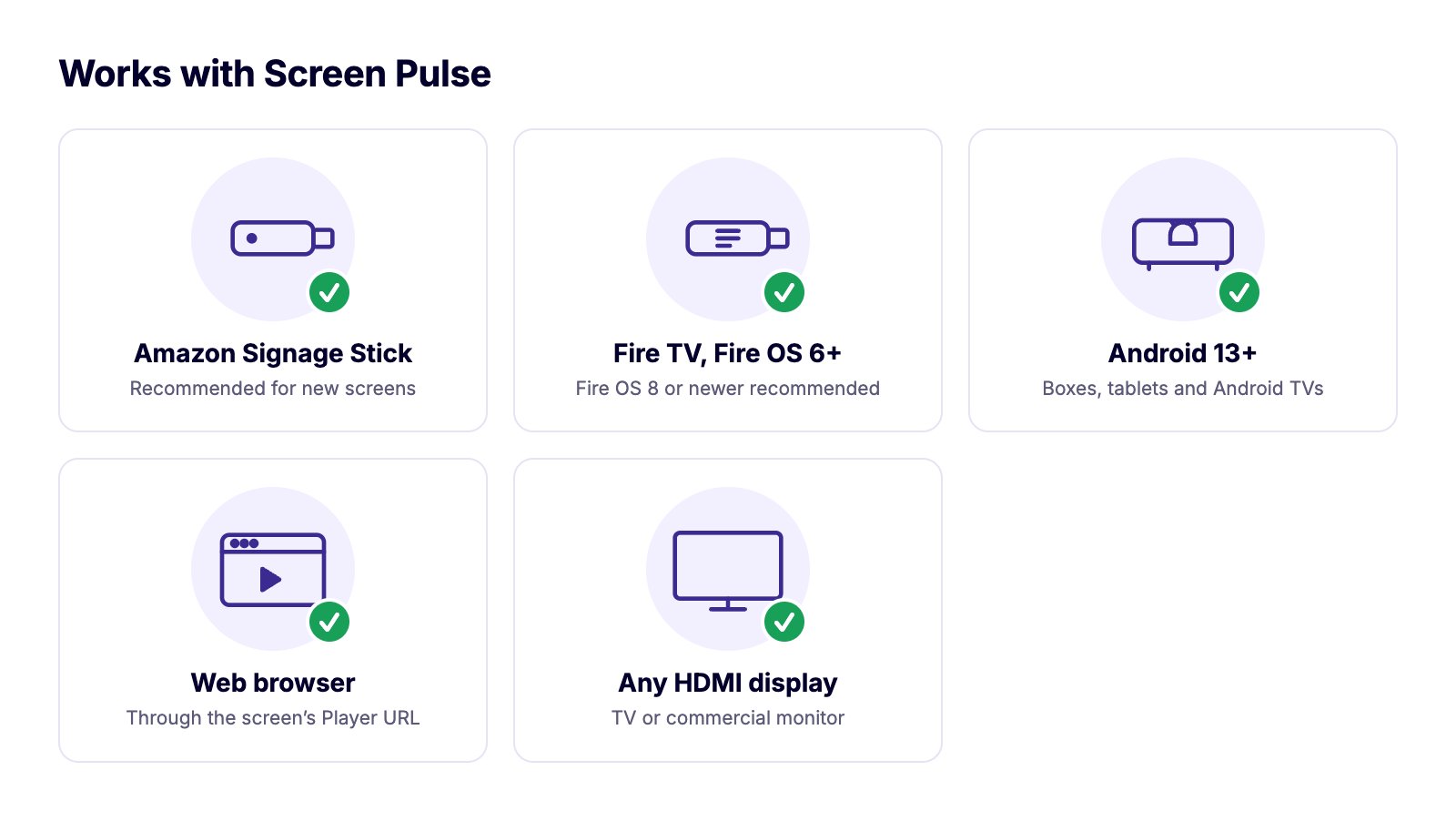
The Screen Pulse player runs on the Amazon Signage Stick, Amazon Fire TV devices with Fire OS 6 or newer, Android 13 or newer, and modern web browsers. Devices that don't meet these, or have no way to run our player, won't work. Check this list before you buy, and if a device isn't on either list, ask us through Support → Contact Support.
Amazon devices
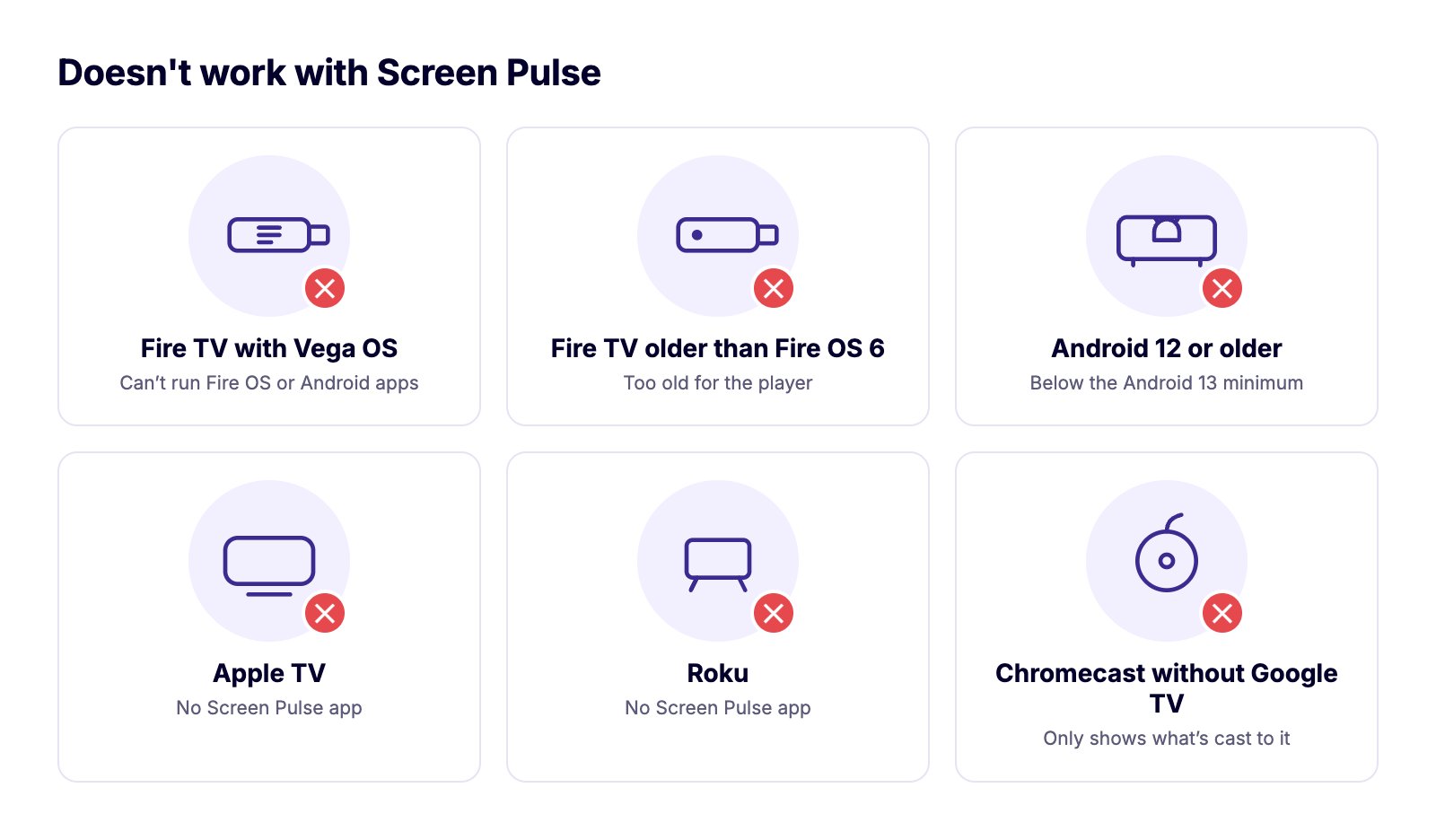
Fire TV devices with Vega OS
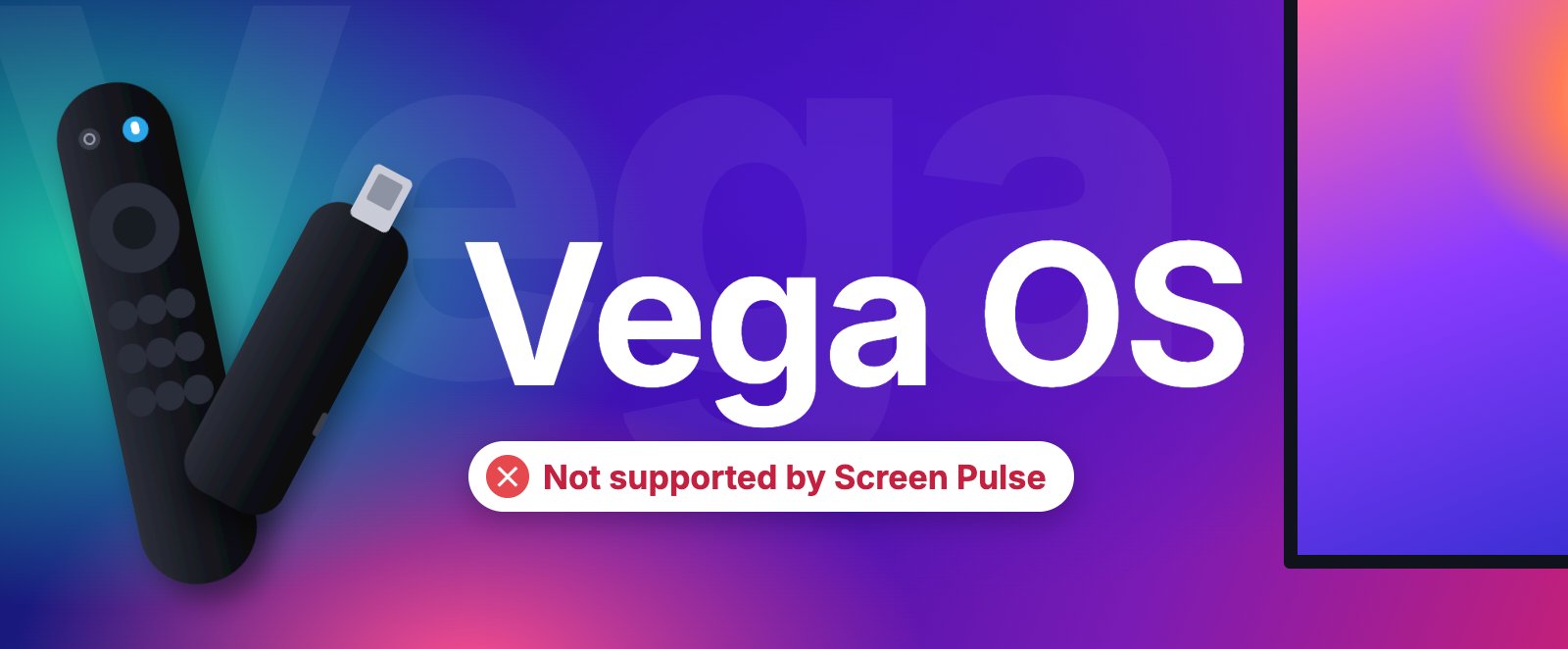
Amazon's newest Fire TV devices, such as the Fire TV Stick 4K Select, run Vega OS instead of Fire OS. Screen Pulse doesn't support Vega OS: it doesn't run apps made for Fire OS or Android, so the Screen Pulse Player app can't be installed. Check the box or Amazon's product page for "Vega OS" before you buy.
Fire TV devices older than Fire OS 6
The player needs Fire OS 6 or newer. To see the version, open Settings → My Fire TV → About on the device. If it shows Fire OS 5 or older, the device can't run Screen Pulse; replace it.
These older Fire TV Sticks aren't supported:
- Fire TV Stick, 1st generation (2014)
- Fire TV Stick, 2nd generation (2016)
Android devices older than Android 13
Screen Pulse supports Android 13 or newer, and Android 15 or newer is recommended. Many low-cost Android TV boxes still run Android 9, 10 or 11. Check the version on the box's specifications, or on the device in Settings → About, before you buy.
Chromecast with Google TV
Chromecast with Google TV runs Android TV, so the same rule applies:
- Chromecast with Google TV (4K) works.
- Chromecast with Google TV (HD) works only once it's updated to Android 14. On older versions it isn't supported, so check its Android TV version in its settings before you rely on it.
Systems with no Screen Pulse player
These have no Screen Pulse app, and can't keep a screen playing on their own:
- Apple TV: apps come only from Apple's App Store, and Screen Pulse isn't there.
- Roku: runs its own system, with no Screen Pulse app.
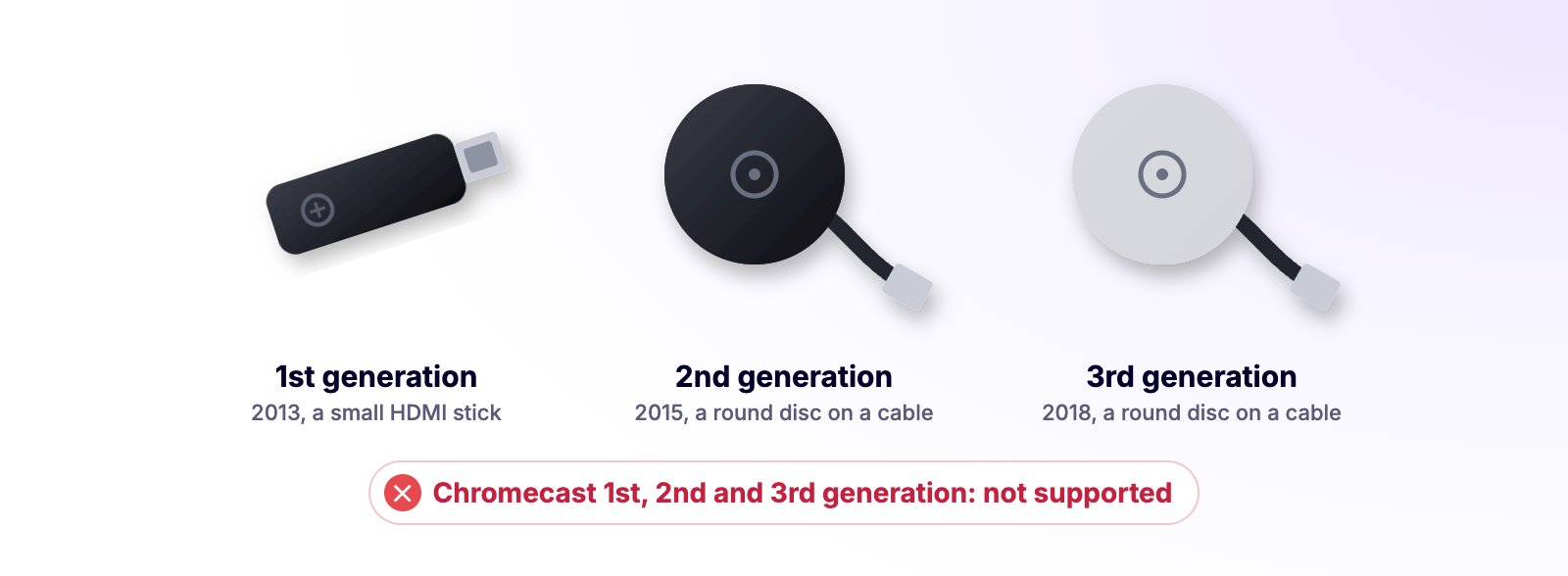
- Chromecast, 1st, 2nd and 3rd generation: these Chromecasts (without Google TV) aren't supported. They only show what a phone or computer casts to them, so they can't run a player on their own.
Smart TVs without a Screen Pulse app
Most smart TVs can't run the player themselves. VIZIO TVs (SmartCast) only run the apps VIZIO provides, and Screen Pulse isn't one of them. Plug a supported player, such as an Amazon Signage Stick, into the TV's HDMI port instead: the TV then just shows the player's picture. Samsung and LG are covered below.
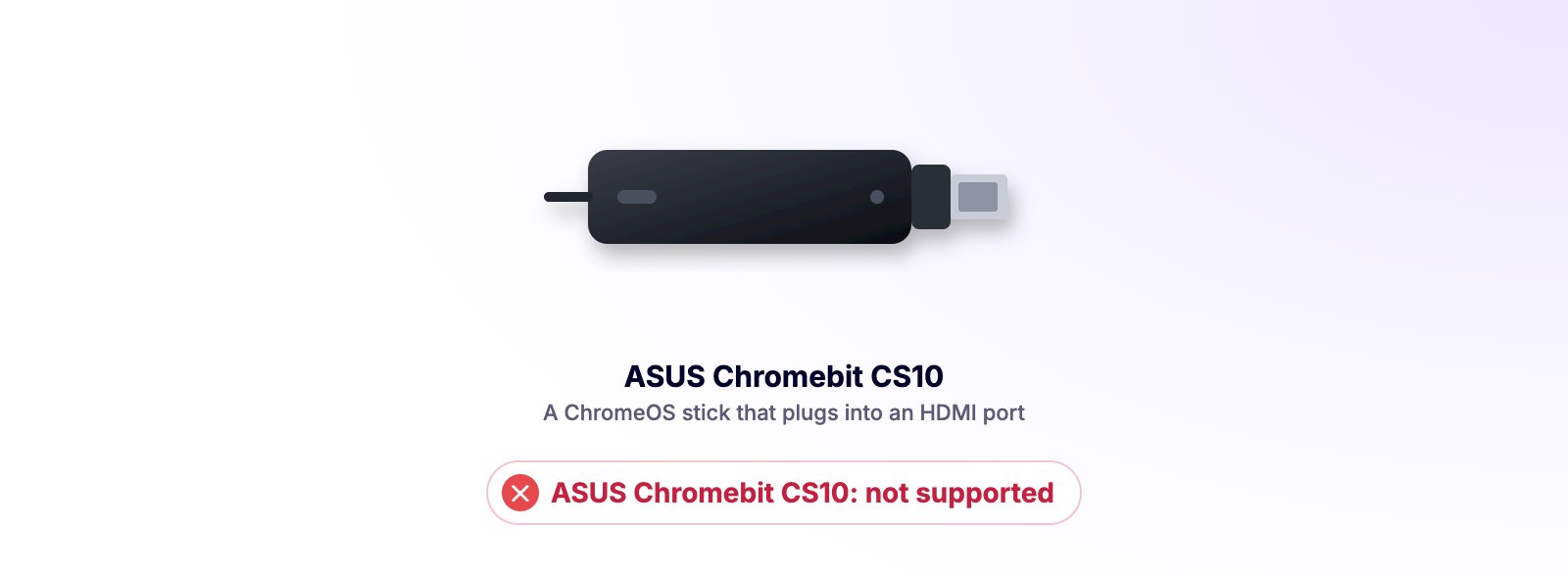
ASUS Chromebit CS10
The ASUS Chromebit CS10, a ChromeOS stick that plugs into a display's HDMI port, isn't supported. Google no longer updates its software, so its browser can't run the Screen Pulse player.
Raspberry Pi, ChromeOS and computers: use a browser
There's no Screen Pulse app for Raspberry Pi, ChromeOS devices (other than the Chromebit), Windows PCs (including mini PCs such as Azulle) or Macs, but they all work through a browser. An Owner copies the screen's Player URL from its page, opens it in the device's browser, and switches the browser to full screen. See Which devices and operating systems can I use?.
Samsung, LG and Windows players are on the way
Screen Pulse players for Samsung (Tizen) and LG (webOS) smart TVs and displays, and for Windows PCs, are on our roadmap. Planning to use one of them? Contact us through Support → Contact Support for the latest, and we'll help you choose what to buy.
What to use instead
For a new screen, we recommend the Amazon Signage Stick: it's built for signage and is set up from your phone. See Which devices and operating systems can I use? for every supported player and its minimum version.
Related articles
- Which devices and operating systems can I use, and what are the minimum requirements? The players Screen Pulse runs on, the minimum versions for each, and what to check before you buy.
- Set up an Amazon Signage Stick with the Amazon Signage app Set up the stick from your phone with the Amazon Signage app, choose Screen Pulse, and pair it with a screen.
Still need help?
Our support team can walk you through it.