

My image or video won't upload
Supported formats and size limits, and how to fix a file that's rejected.
Updated 1 min read
On this page
A rejected upload is almost always the wrong format or a file that's too big. Images must be JPG, JPEG, PNG or WEBP and no bigger than 50 MB. Videos must be MP4 or WEBM and no bigger than 50 MB. Convert or compress the file and upload it again.
What the error tells you
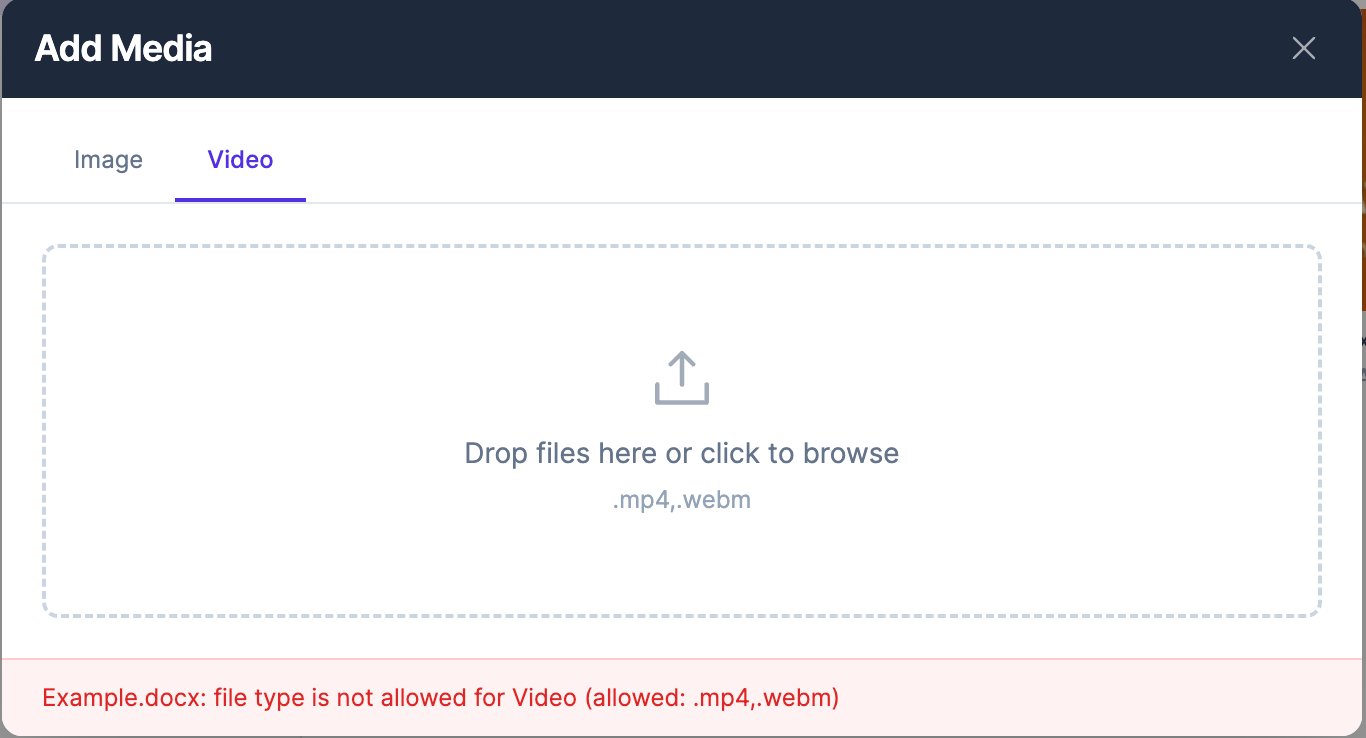
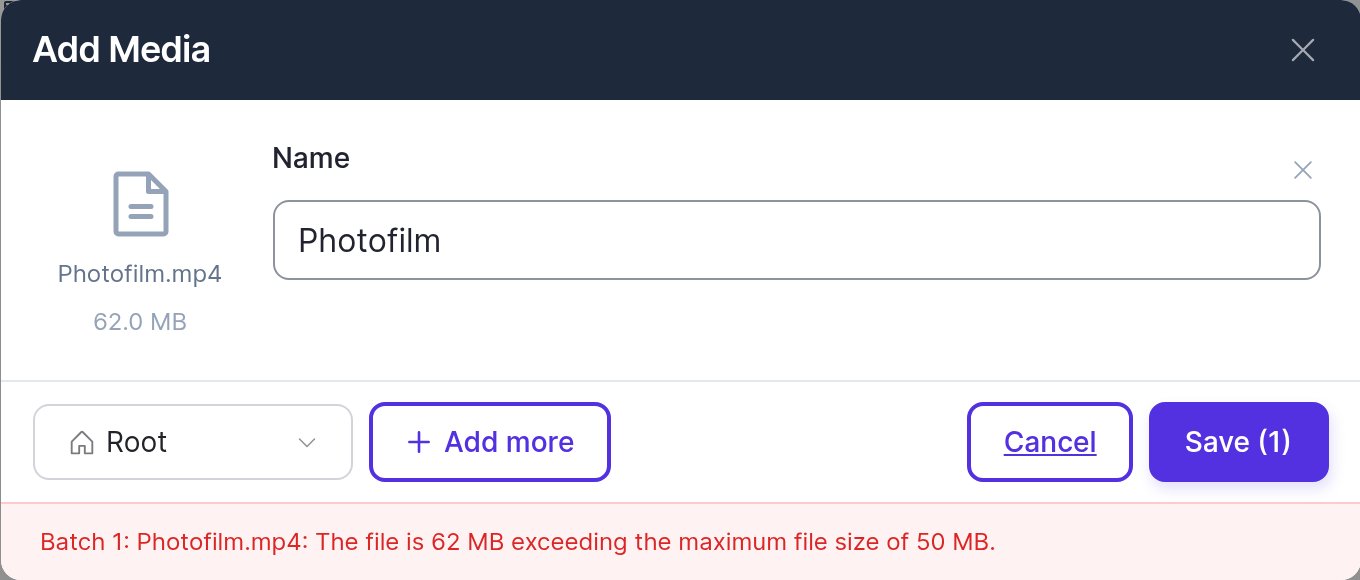
The Add Media window shows the reason in red at the bottom.
"file type is not allowed" means the format isn't supported on that tab. The upload area lists the formats it accepts: the Video tab takes .mp4 and .webm, the Image tab takes .jpg, .jpeg, .png and .webp.
"exceeding the maximum file size" means the file is too big. The message gives the file's size and the limit.
Fix it
| Problem | Fix |
|---|---|
| iPhone photo (HEIC) | Export or share it as JPG, or change the camera setting to "Most Compatible". |
| Video in MOV or AVI | Convert it to MP4 (H.264) in your video editor, or with a free converter. |
| Video over 50 MB | Export at 1080p, lower the bitrate, or trim it. |
| Image over 50 MB | Resize it to 1920 × 1080 (or 1080 × 1920 for portrait) and save as JPG. |
| PDF, GIF or PowerPoint | Export the pages or slides as PNG or JPG images. |
Still failing?
- Upload one file at a time. A slow connection can interrupt bigger batches.
- Try again on another network.
- Contact us through Support → Contact Support with the file's name, format and size.
Related articles
Still need help?
Our support team can walk you through it.