

Screen licenses: how many screens you can have
How screen licenses are counted, what happens at the limit, and how to free one up.
Updated 1 min read
On this page
Your plan includes a set number of screen licenses, and every screen you create uses one, whether or not a device is paired to it. The Add screen dialog and the Screens list show how many you're using, for example "14 out of 100 screen licenses are being used." To free a license, delete a screen you no longer need. To get more, contact us.
See how many you're using
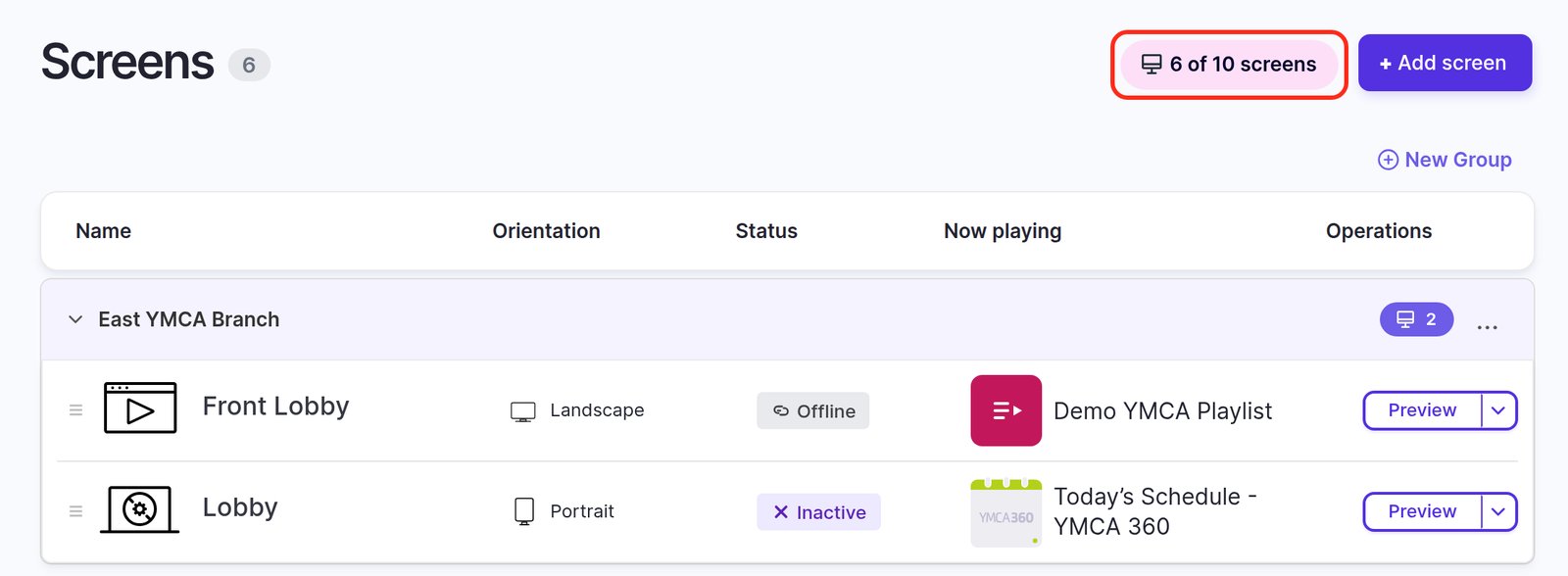
The header of the Screens list shows it, for example 6 of 10 screens:
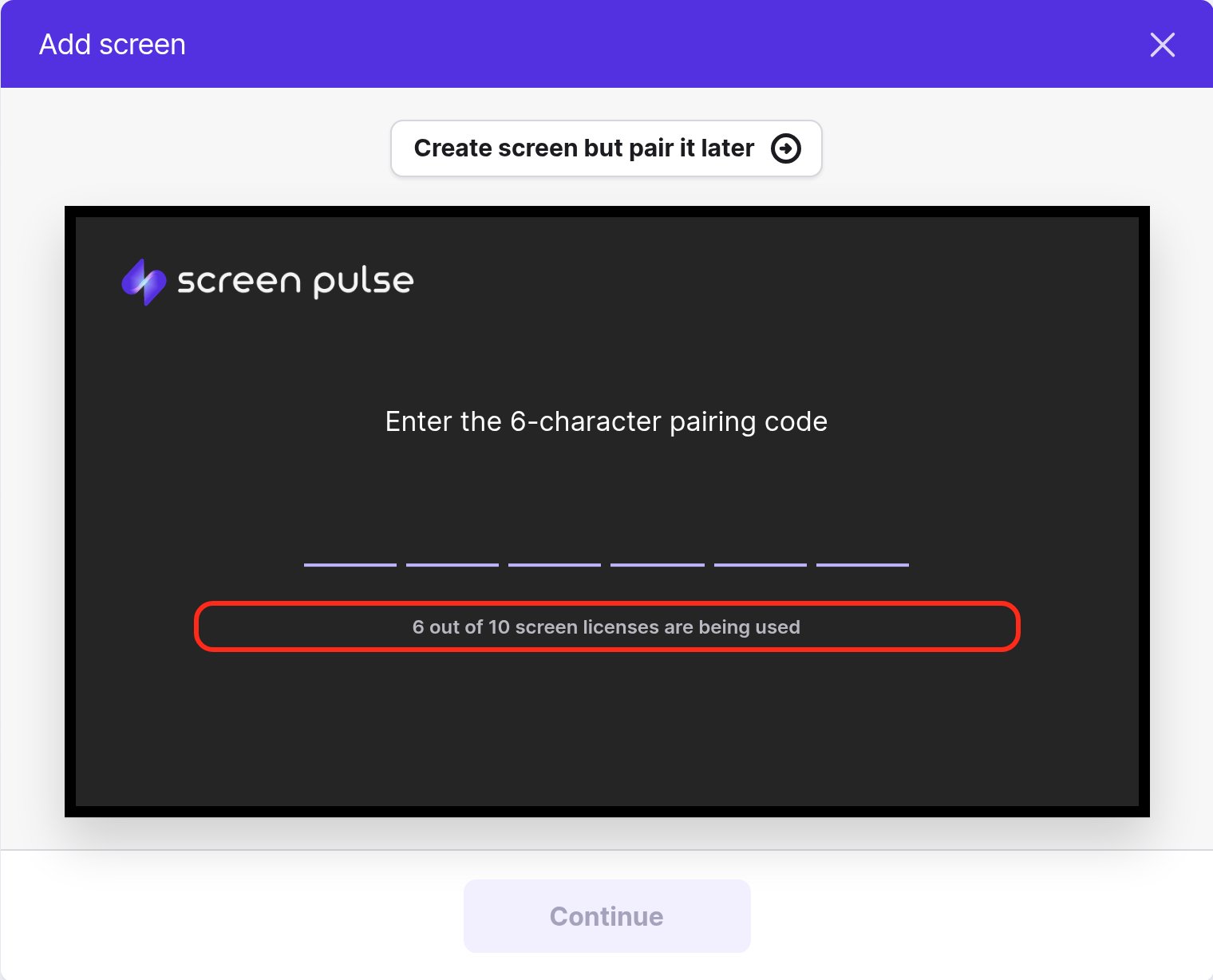
The Add screen window shows it too, under the pairing code:
When you reach the limit
The Add screen form is replaced with a message saying you've reached your limit, and you can't create more screens until a license is free.
A different message, "Your account subscription has expired", means your trial has ended or your plan is cancelled, not that you're out of licenses. See My screens show "Subscription Not Active".
Free up a license
- Go to Screens.
- Open the menu next to Preview on the screen you no longer need and click Delete.
- Confirm. This can't be undone.
Deleting a screen doesn't delete the playlists, apps or media it was showing; they stay in your library.
Things that don't free a license
- Unpairing or replacing the device. The screen still exists, so it still uses a license.
- Leaving a screen Inactive. Screens that were never paired count too.
Get more licenses
Contact us through Support → Contact Support in Screen Pulse. Licenses added partway through your plan year cost a prorated amount up to your renewal date; see Trials, renewals and payment. Your account owner can also see the plan on the Billing page; see Your Billing page and invoices.
Related articles
Still need help?
Our support team can walk you through it.