

App catalog: what each app is for
Every Screen Pulse app in one list, grouped like the App Store, with what each one is good for.
Updated 2 min read
On this page
The App Store sorts apps into categories, the filters above its tiles. Here's each category, its apps, and when to use them. Your store may show a different selection, because the apps available depend on your organization's plan.
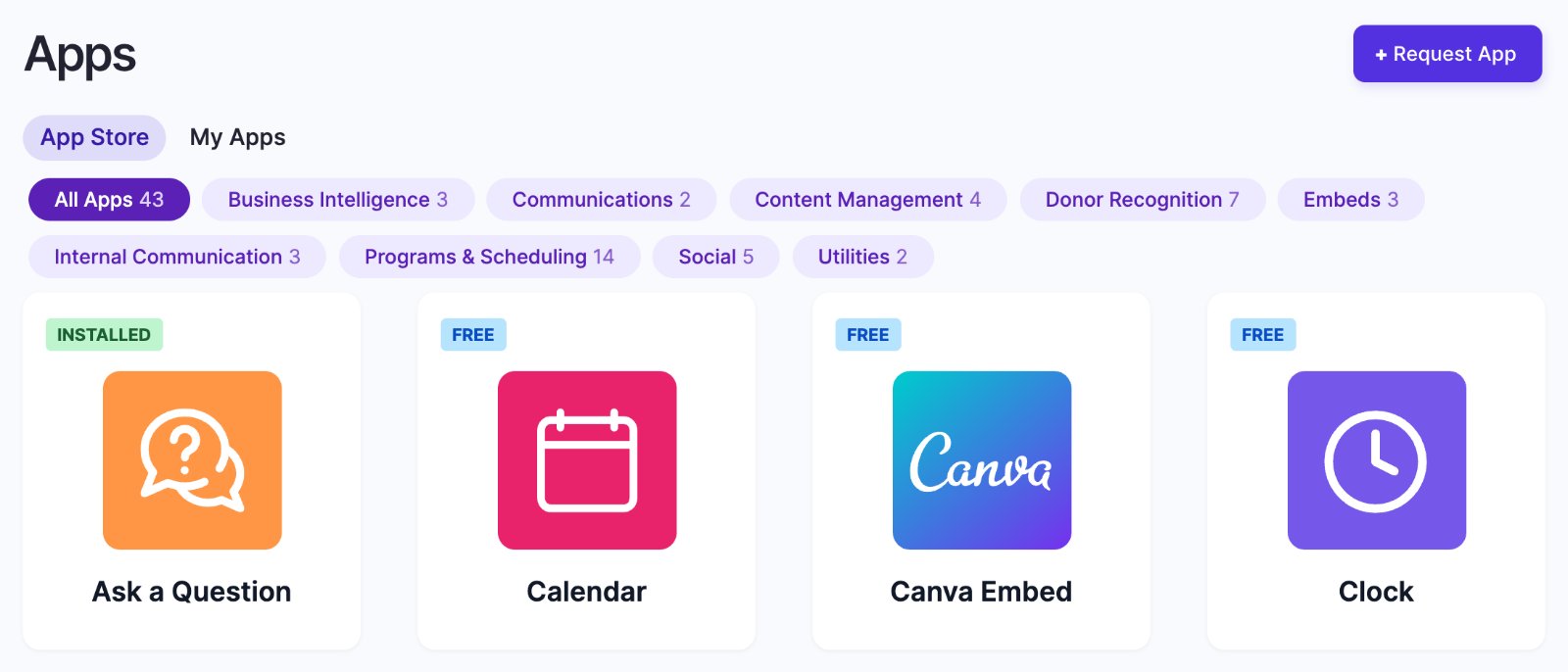
Each tile carries a badge: Free apps you install yourself, Premium apps we switch on for you (click Contact Support to Install App), and Under development apps are coming soon and can't be installed yet. See Apps explained.
Communications
| App | Use it for |
|---|---|
| Ask a Question | A QR code viewers scan to send you a question. |
| Quote | A quotation with its author, optionally with an image. |
Content Management
| App | Use it for |
|---|---|
| Google Slides | A Google Slides presentation, kept up to date from Google Drive. |
| Dropbox Gallery | The photos and videos in a Dropbox folder, as a slideshow. |
| Meet the Team | Under development. |
| Microsoft SharePoint | Under development. |
Donor Recognition
Seven styles for thanking donors: Classic, Spotlight, Individual Spotlight, Listing, Donor Highlight, Donor Gratitude Wall and Featured Donors. They aren't in the App Store: they come with Donor Recognition in your plan, as templates on the Donor Recognition page. See Choose a donor display style and theme.
Embeds
| App | Use it for |
|---|---|
| Webpage Embed | Any public web page, such as a dashboard or a published sheet. |
| Canva Embed | A Canva presentation, played slide by slide. |
| HTML Embed | Your own HTML code. |
Internal Communication
| App | Use it for |
|---|---|
| Countdown | Counting down to an event, then showing a message. |
| Calendar | A month calendar with today highlighted. |
| Google Calendar | Under development. |
Programs & Scheduling
Today's Schedule, Programs Schedule and Room Entry show classes and programs from your scheduling system. Each comes in one version per system, such as "Today's Schedule - YMCA 360". See Today's Schedule, Programs Schedule and Room Entry: which to use.
Social
| App | Use it for |
|---|---|
| YouTube | A YouTube video, playlist or live stream. |
| Vimeo | A Vimeo video, showcase or event. |
| Walls.io | A live social media wall. |
| Follow Us | QR codes for up to 15 social accounts. |
| Follow Us on Facebook | One Facebook page with a QR code. |
Utilities
| App | Use it for |
|---|---|
| Clock | The current time, digital or analog, with the date. |
| Weather | Under development. |
Business Intelligence
Google Sheets, Microsoft Excel and Microsoft Power BI are under development.
No app for the tool you use?
| You want to show | Try |
|---|---|
| Slides from PowerPoint | Canva Embed, or Webpage Embed with the deck's published link |
| A dashboard (Power BI, SharePoint, an internal page) | Webpage Embed with a shareable link |
| A spreadsheet | Webpage Embed, if the sheet is published to the web |
| A "meet the team" board | Canva Embed, or an image in a playlist |
The page must open without a login. Anything else: click Request App in the App Store.
Related articles
Still need help?
Our support team can walk you through it.